
Installation complete
Sign in to start saving
Sign in or create a wallet to start finding deals and cash back at your favorite stores.
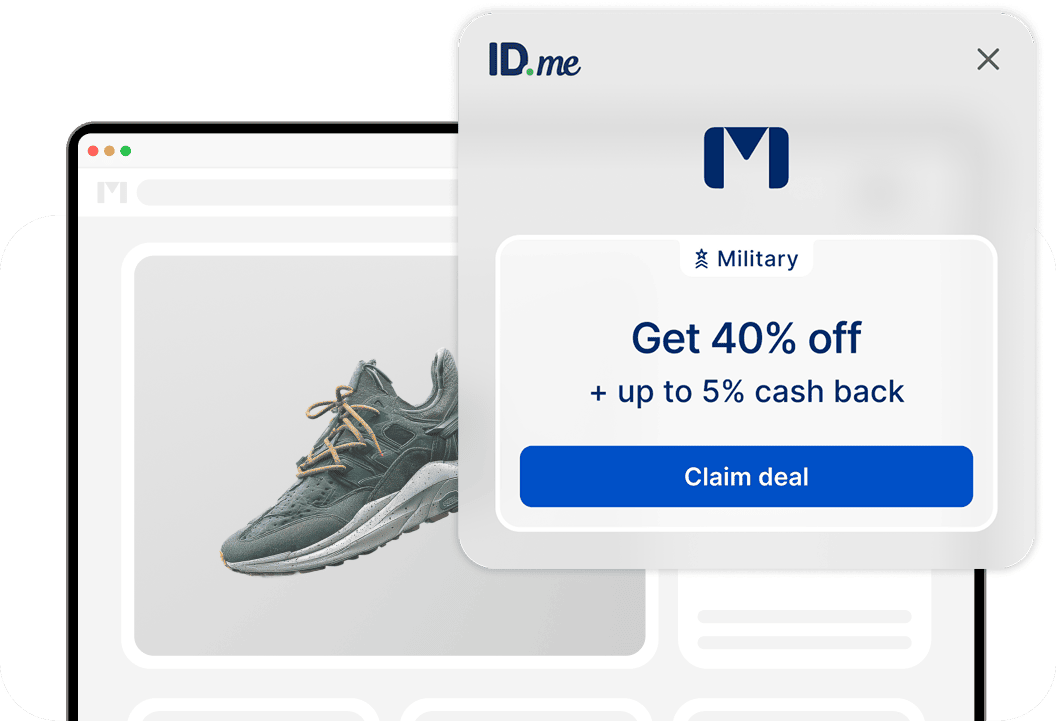
Deals and cash back made easy
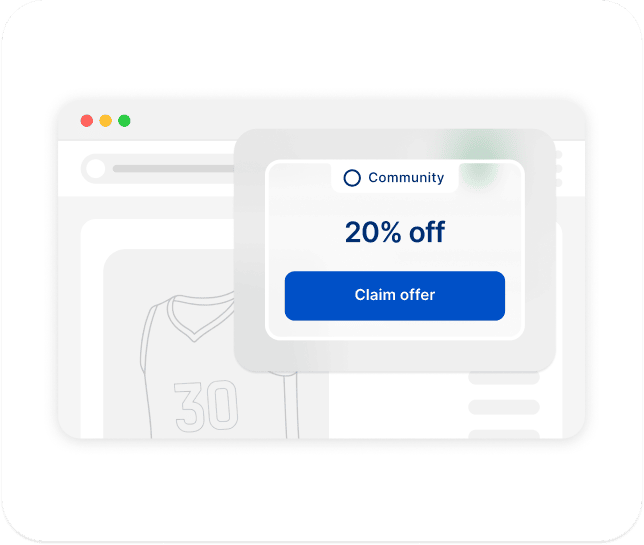
Browse like you usually do
Shop however you like and be notified of deals and cash back in real time.
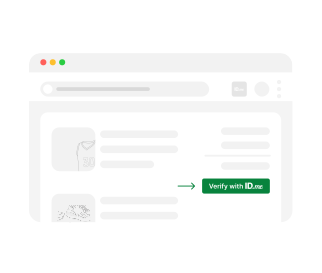
Claim discounts with a click
We'll automatically show you eligible discounts. Claim them with a click and just verify your status in your bag or at checkout.
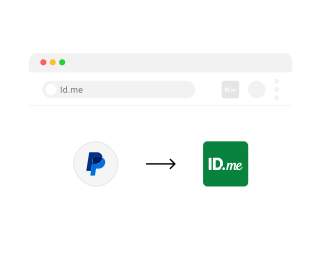
Earn cash back. Get paid via PayPal.
Activate cash back right from the extension and connect your PayPal account to get paid.
More communities, more ways to save
Part of more than one community? Sign in to verify your status and discover even more deals.
Military & Veterans
Nurses
First Responders
Medical Professionals
Teachers
Students & Alumni
Government Employees

Yes, the ID.me browser extension is free to install and use.
While you’re shopping, the ID.me browser extension will pop up when it finds cash back or deals based on your communities.
For cash back, select “Activate cash back” when prompted. Cash back will be applied automatically after checkout.
For discounts, select “Verify with ID.me” when prompted to sign in and verify your community status.
The ID.me browser extension works with thousands of popular stores and retailers. To see which websites are supported, visit ID.me Shop.
Protecting your data is our top priority and we won’t share it without your permission. View our Privacy Policy.
When you use the ID.me browser extension, retailers may pay us a fee or affiliate commission.
Visit our Help Center for troubleshooting tips or to contact support.
Follow these steps to remove the browser extension from Chrome.